
Developer Preview di Android M disponibile per Nexus 5, 6 e 9
- in Nexus Series

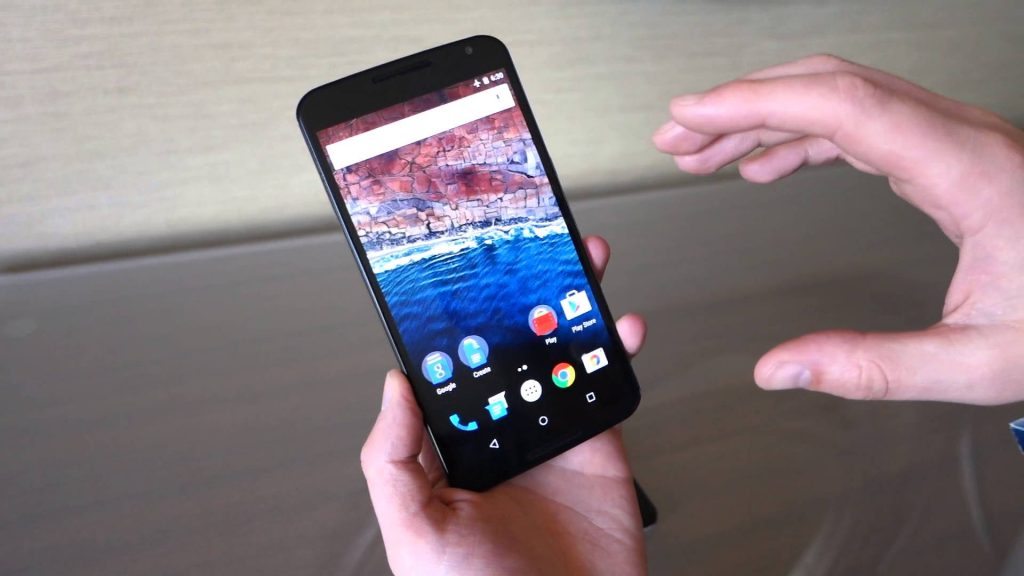
Android M è stato presentato ieri sera e, come sempre, dopo poche ore è disponibile la Developer Preview, al momento è possibile testarla su Nexus 5, Nexus 6 e Nexus 9, essendo una preview potrebbe avere dei bug e/o malfunzionamenti, i file .tgz sono scaricabili dal sito ufficiale: http://developer.android.com/preview/download.html:
| Device | Download / Checksums |
|---|---|
| Nexus 5 (GSM/LTE) “hammerhead” |
hammerhead-MPZ44Q-preview-55d76d3a.tgz MD5: 9e2631b06c6525e401ceaae3677ff320 SHA-1: 55d76d3a379b18f3363f28d8a462c236ab96fc36 |
| Nexus 6 “shamu” |
shamu-MPZ44Q-preview-c1d6506a.tgz MD5: 307cbf9dab0a38df4ab2639d02be12aa SHA-1: c1d6506a74094bdb2f4b8677c7fe4967334f9ea8 |
| Nexus 9 “volantis” |
volantis-MPZ44Q-preview-d15ad483.tgz MD5: 8989ce077510a1b814d58dcdb33d160e SHA-1: d15ad483d0364102984411abda66a4d7b85886c0 |
| Nexus Player “fugu” |
fugu-MPZ44Q-preview-2406ba05.tgz MD5: 815902141a85cc65e7725f005cad31d5 SHA-1: 2406ba0598dea1e69110497ac0bc8e16789bc8fb |
Install an Image to a Device
In order to use a device image for testing, you must install it on a compatible device. Follow the instructions below to install a system image:
- Download and uncompress one of the system image packages listed here.
- Backup any data you want to preserve from the device.
- Follow the instructions at developers.google.com/android to flash the image onto your device.
Note: Once you have flashed a development device the preview system image, it is upgraded automatically with the next preview release through over-the-air (OTA) updates.
